
ИИ-помощник на собеседовании с ответами в реальном времени
Невидим при демонстрации экрана. Задайте вопрос голосом или текстом, не покидая окно с кодом — OfferHack ответит за секунды из проверенной базы знаний и лучших ИИ-моделей.Невидим при демонстрации экрана. Голос или текст — ответ из проверенной базы знаний за секунды.


Основные функции
Достоверные ответы через RAG
Мы не ограничиваемся небольшим пользовательским файлом с контекстом. OfferHack использует большую базу знаний с вручную отобранными и проверенными вопросами. После запроса система находит релевантные материалы и передаёт их нейросети. На их основе ИИ формирует более точный и качественный ответ.


Ввод без потери фокуса
OfferHack позволяет вводить запросы в нейросеть, не теряя фокус с активного окна. Клик по приложению не забирает фокус у браузера, редактора кода или другой программы. При этом с приложением можно работать как обычно: нажимать кнопки, выделять текст, вводить запросы и перетаскивать окно мышью.
Невидимость на уровне ОС
Приложение бесшовно встраивается в рабочее пространство. Свободно демонстрируйте рабочий стол на собеседовании, а OfferHack будет всегда под рукой.

Другие возможности
Голосовой ввод и транскрибация
Проговорите вопрос или дождитесь вопроса собеседующего, нажмите хоткей и получите мгновенную транскрибацию с ответом ИИ — полностью без ручного ввода. Среднее время транскрибации: 0.3–0.6 секунды на Whisper Large v3 Turbo.
Полный контроль хоткеями
Настраиваемые сочетания клавиш для максимальной эффективности.
Ввод без взаимодействия с окном
По хоткею ввод уходит прямо в OfferHack, не забирая фокус с окна лайвкодинга. Удобно при демонстрации экрана: не нужно лишний раз двигать мышью или переключаться между окнами.
Невидимость на уровне ОС
Сделайте приложение полностью невидимым на системном уровне.
Настраиваемый оверлей
Переключайте размытие, настраивайте тонировку, адаптируйте под свой рабочий процесс.
Молниеносные ответы
Без задержек, стриминг в реальном времени.
- Gemini 2.5 Flash LiteБесплатная
- Gemini 3.1 Flash LiteБыстрая
- Gemini 3.5 FlashСбалансированная
- GPT-5.4 MiniБыстрая
- GPT-5.4Сбалансированная
- GPT-5.5Умная
- Claude Haiku 4.5Быстрая
- Claude Sonnet 5Сбалансированная
- Claude Opus 4.8Умная
- Grok 4.3Быстрая
Выбор лучших ИИ-моделей
Переключайтесь между лучшими моделями прямо из интерфейса, не выходя из чата.
Контекст и конспекты
Настройте, как нейросеть отвечает именно вам: системный промпт с постоянными инструкциями, лицо ответа (ассистент или от первого лица), язык ответа, ваше резюме и легенду. А ещё прикрепите до 5 конспектов в .txt или .md — и ответы будут опираться на ваши материалы.
Подходит для любого типа интервью
Отвечает на любые теоретические вопросы
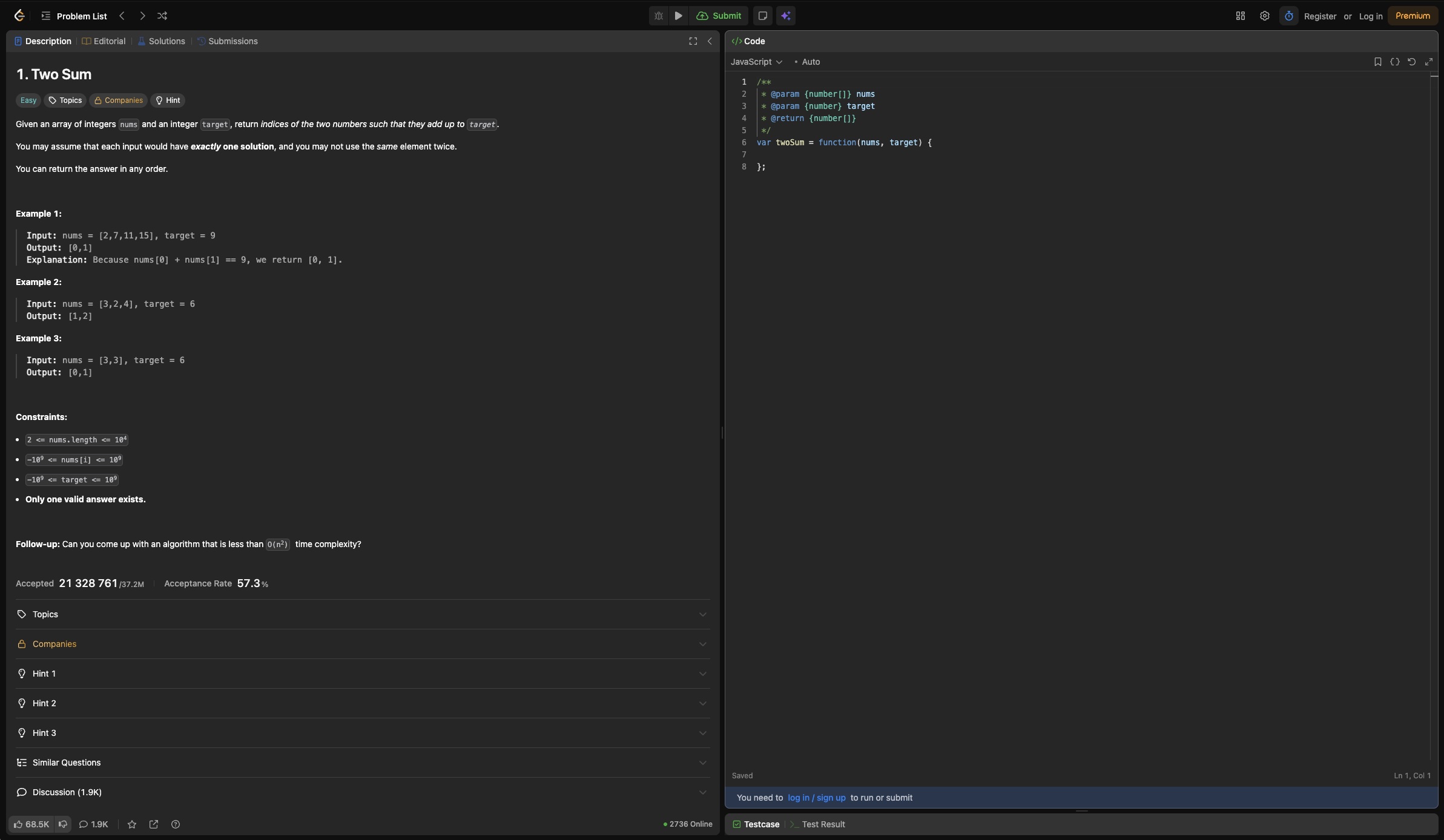
Используйте на LiveCoding-интервью
Работает с любым стеком технологий
Помогает на System Design-интервью
Выберите свой план
Начните бесплатно, обновите когда понадобится
Идеально для пробного использования
- 67 кредитов в день
- Модель Gemini 2.5 Flash Lite
- Захват скриншотов
- Захват аудио
- Пользовательский контекст
- RAG-проверенные ответы
- Режим захвата клавиатуры
Для размеренного поиска — одно интервью в день
- Все фичи Free
- 100 000 кредитов в месяц
- Доступны все модели
Для активного поиска — три интервью в день
- Все фичи Premium
- 300 000 кредитов в месяц
Подписка продлевается автоматически каждый месяц, отмена в любой момент в личном кабинете. Также там можно видеть дату следующего списания.
Нужно больше кредитов?
Что такое кредитыКредиты — это наша внутренняя валюта для оплаты функций сервиса. Они никак не связаны с токенами нейросетей.Кредиты расходуются только при активной подписке и только когда кредиты по подписке закончились.Пополняйте баланс в любой момент разовыми пакетами — моментально и без изменения подписки.
Материалы
Разборы этапов найма, воронки конкретных компаний, зарплатные срезы и документация приложения.
- ИнструментыКалькуляторы для этапа оффера. Без регистрации, расчёт идёт прямо в браузере.1 материал
- СобеседованияКак устроен каждый этап найма и как нанимают в Яндексе, Т-Банке, Авито, VK, Сбере и Ozon.12 материалов
- ЗарплатыСколько платят на каждом уровне в четырнадцати компаниях и из чего складывается вилка в оффере.1 материал
- ПриложениеЧто приложение делает на вашем компьютере: звук, горячие клавиши, демонстрация экрана, выбор модели.10 материалов
- БлогЗаметки о найме, продукте и о том, что мы считаем на этих страницах.5 материалов
Часто задаваемые вопросы
Всё, что нужно знать перед началом работы
Нет. OfferHack работает на уровне ОС как невидимый оверлей. Он исключён из API захвата экрана, используемых Zoom, Google Meet, Microsoft Teams и другими платформами. Интервьюеры видят только ваш обычный рабочий стол — OfferHack не появляется ни в одной демонстрации экрана, записи или скриншоте.
Подробно: что видно при демонстрации экранаOfferHack не внедряется в другие процессы, не изменяет поведение браузера и не появляется в списках задач, видимых прокторинг-инструментам. Он работает как системный оверлей, архитектурно невидимый для любого механизма захвата экрана.
Подробно: что видно при демонстрации экранаOfferHack захватывает системное аудио и звук с микрофона, а затем транскрибирует его в реальном времени с помощью продвинутого распознавания речи. Не нужно устанавливать расширения — работает с любым источником звука на вашем устройстве.
Нет. Когда вы нажимаете хоткей OfferHack, нажатие перехватывается на уровне ОС и не доходит до активного приложения. Интервьюер не увидит ни самого нажатия, ни какой-либо реакции своего приложения на него. Если вы назначите OfferHack хоткей, совпадающий с системным или хоткеем активного приложения, приоритет получит OfferHack — оригинальная команда не сработает, пока хоткей назначен в OfferHack.
Ответы обычно появляются от 2 до 6 секунд в зависимости от выбранной модели. Более умные модели дают глубокий и детальный анализ, поэтому могут отвечать немного дольше. Быстрые модели оптимизированы для минимальной задержки и хорошо подходят для оперативных подсказок, уточнений и решения простых задач.
Да. OfferHack работает рядом с любым приложением, потому что функционирует на уровне ОС, а не как браузерный плагин или расширение. Совместим с любым инструментом видеоконференций, кодинг-платформой или софтом для демонстрации экрана.
Бесплатный план даёт 67 кредитов и доступ к Gemini 2.5 Flash Lite. Этого достаточно, чтобы протестировать OfferHack на реальном или тренировочном собеседовании перед покупкой платного плана. Без привязки карты.
Да, без контрактов и обязательств. Вы можете отменить подписку в любое время до следующего расчётного периода.
OfferHack (по-русски — «Офферхак») — десктопное приложение для macOS и Windows, которое помогает на технических собеседованиях. Оно захватывает вопрос интервьюера с системного аудио или принимает его текстом, а ответ показывает за секунды — в невидимом оверлее, который не попадает в демонстрацию экрана, записи и скриншоты. Работает поверх Zoom, Google Meet, Microsoft Teams и других платформ.